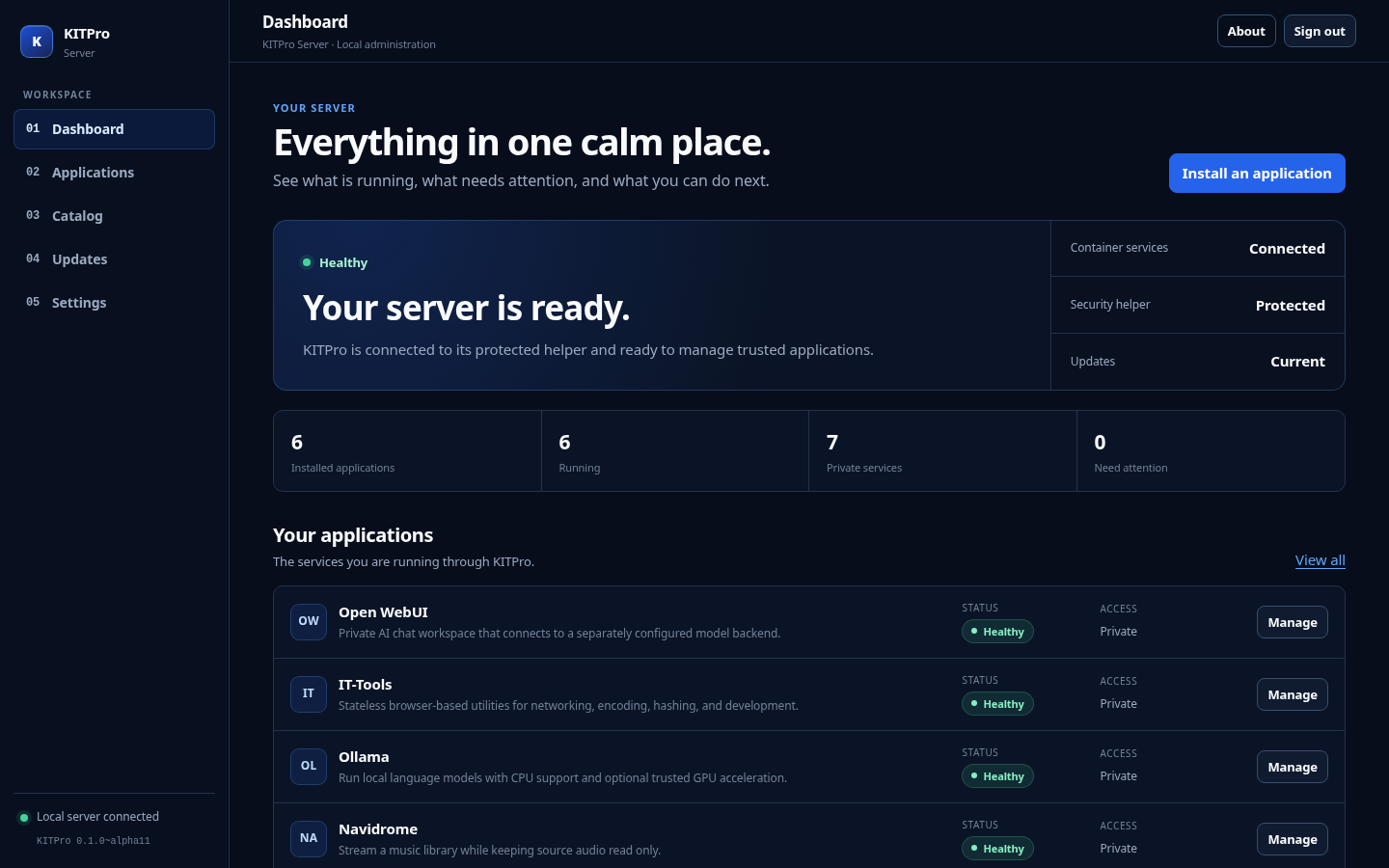
KITPro Server 0.1.0-alpha.11: Trusted media libraries and controlled writable storage
KITPro Server v0.1.0-alpha.11 was published on September 15, 2026 as a public alpha from source commit 1eed6b0a2199e927a9647e50206e89f6cfc19995. It develops the trusted external-storage model into a media and data application catalog. Navidrome and Audiobookshelf use administrator-approved read-only libraries, while SFTPGo becomes the first imported read-write consumer.
Release record
KITPro Server 0.1.0-alpha.11 · Public alpha prerelease
Original release: . Retrospective release coverage. This article was published on . Created .
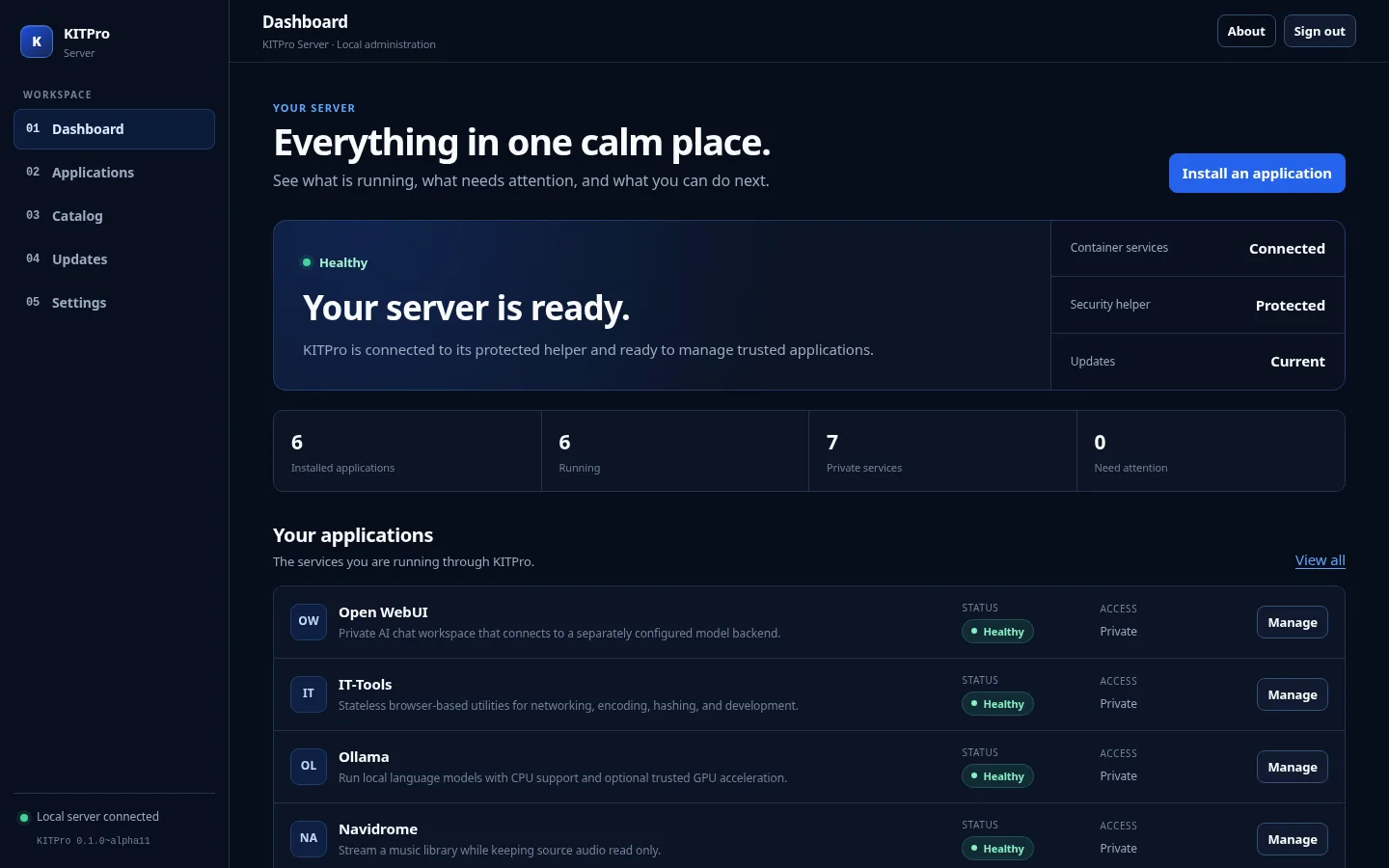
KITPro Server v0.1.0-alpha.11 was published on September 15, 2026 as a public alpha from source commit 1eed6b0a2199e927a9647e50206e89f6cfc19995. It develops the trusted external-storage model into a media and data application catalog. Navidrome and Audiobookshelf use administrator-approved read-only libraries, while SFTPGo becomes the first imported read-write consumer. This is retrospective coverage of the public release, not a recommendation to install a historical alpha.
KITPro Server manages trusted self-hosted applications on Linux through a browser. It is separate from KITPro Linux Server, the operating-system distribution. Alpha.11 is particularly relevant to homelab operators who already maintain media or data on external storage and need explicit rules about what an application may change.
Read-only libraries and a bounded writer
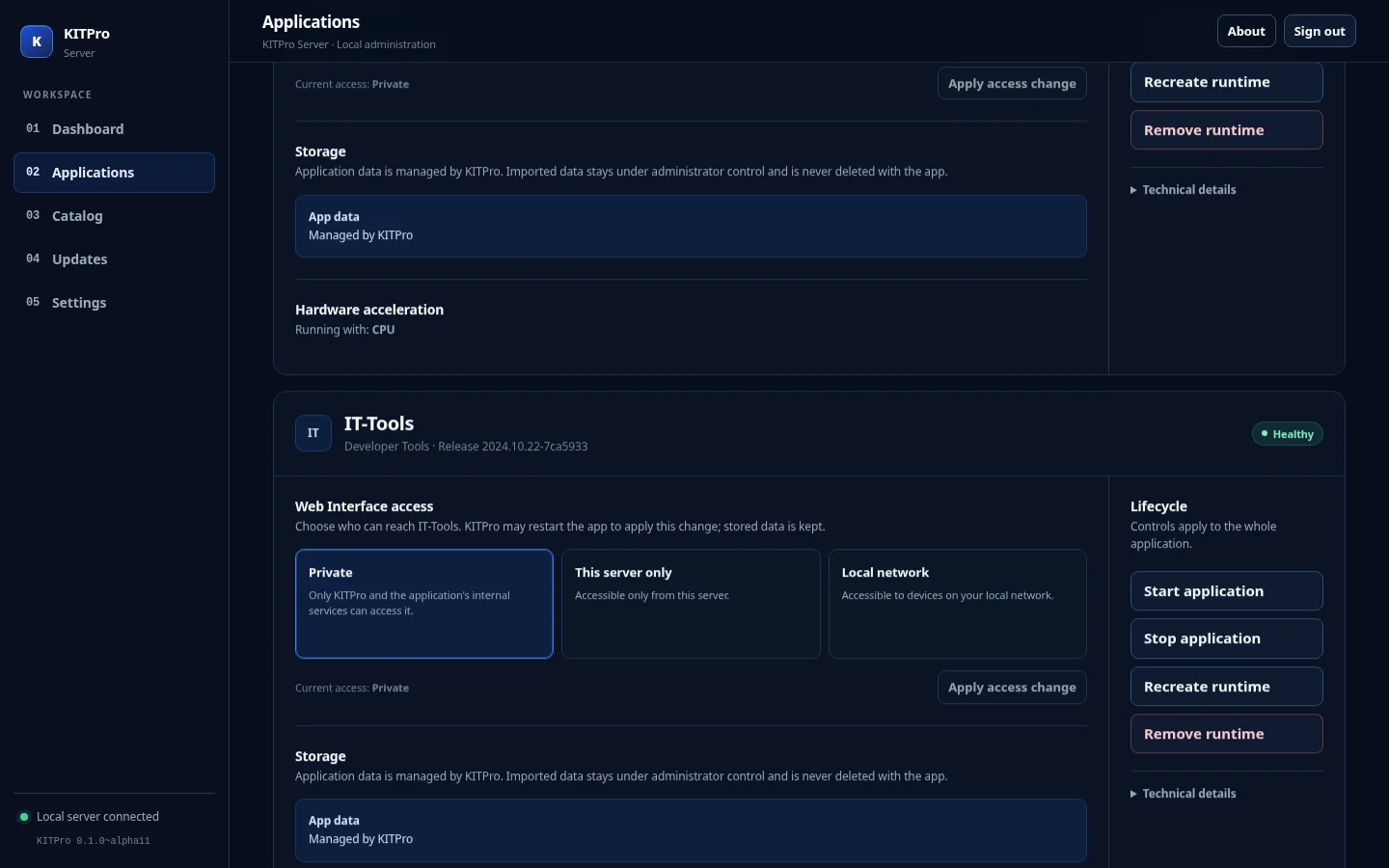
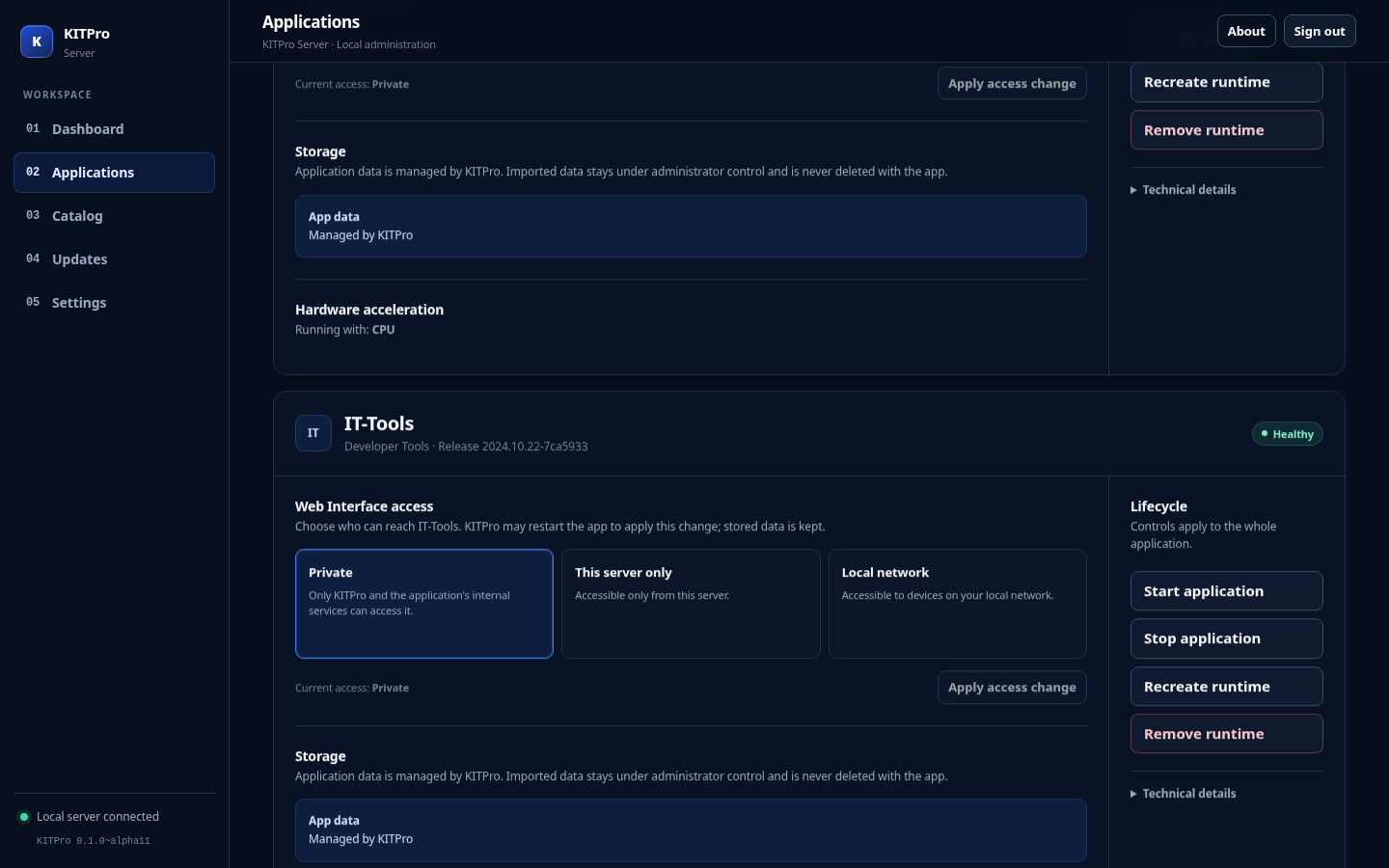
Navidrome and Audiobookshelf consume approved libraries without granting the application permission to rewrite imported content. SFTPGo provides an imported writable-storage use case. Each of the three runs as a manifest-declared numeric non-root identity and begins private by default.
Writable imported roots follow a conservative single-writer policy. While a writer is active, another writer or a reader belonging to a different installation cannot bind that root. Read-only roots may be shared. The policy gives an administrator a clear account of which installation can mutate imported content, rather than assuming that every application can safely share the same writable tree.
KITPro does not delete imported data when an installation is removed. That protection is distinct from backing up imported content: the administrator still owns its backup and recovery policy. Review the trusted-storage architecture before approving a root or selecting a writable application.
Filesystem privileges stay narrow
The privileged helper receives CAP_CHOWN so it can assign the trusted non-root owner to newly created KITPro-managed directories. That permission does not let it choose arbitrary identities, change imported-root ownership, inject supplementary groups, or acquire broader filesystem or device capabilities. AppArmor and package tests enforce the recorded boundary.
This is a concrete engineering constraint for imported storage. Managing the application's own directories must not become authority to rewrite ownership across an existing media library or host filesystem.
Catalog exclusions explain the supported scope
Alpha.11 does not include Immich. Its supported topology needs shared component secrets, health-gated dependencies, bounded database shared memory, and database-aware backup and rollback that were outside the release contract.
Syncthing is also absent in alpha.11 because the supported discovery topology did not fit the bridge-network model, and host networking remained prohibited. Later releases may change the catalog under a different bounded profile; this historical announcement does not claim those later capabilities. The archived original File Browser is replaced by maintained, first-run-authenticated SFTPGo.
Install and verify the historical release
The public release includes Debian and Arch packages, SHA256SUMS, build metadata, a CycloneDX software inventory, and a release manifest. Download assets from the official tagged release and verify them against its checksum records. Consult the tagged platform matrix, media and data application guide, and known limitations before making storage decisions.
Existing installations should follow the upgrade and recovery instructions for the destination release and preserve independent backups. The exact alpha.11-to-alpha.12 transition has its own mandatory wrapper, described in the alpha.12 release. Do not infer a general package-upgrade path from this historical article.
This remains alpha software. A trusted catalog narrows supported application behavior; it does not establish universal hardware compatibility, arbitrary container orchestration, or automatic backup of administrator-owned external data.
Resources
Official alpha.11 release and checksums
Tagged media and data application guide
Product screenshots